
Cull-Pro for wedding photographers
Cull the whole wedding weekend from your browser
Every wedding is thousands of frames — the quiet getting-ready hours, the vows, the reception chaos nobody scripts. Cull-Pro turns that pile into keeps and rejects at keyboard speed, then delivers the highlights to your couple as a private gallery you control. No catalog import, no desktop app — just your browser and the work.
7-day free trial on Starter · Unlimited projects on every plan
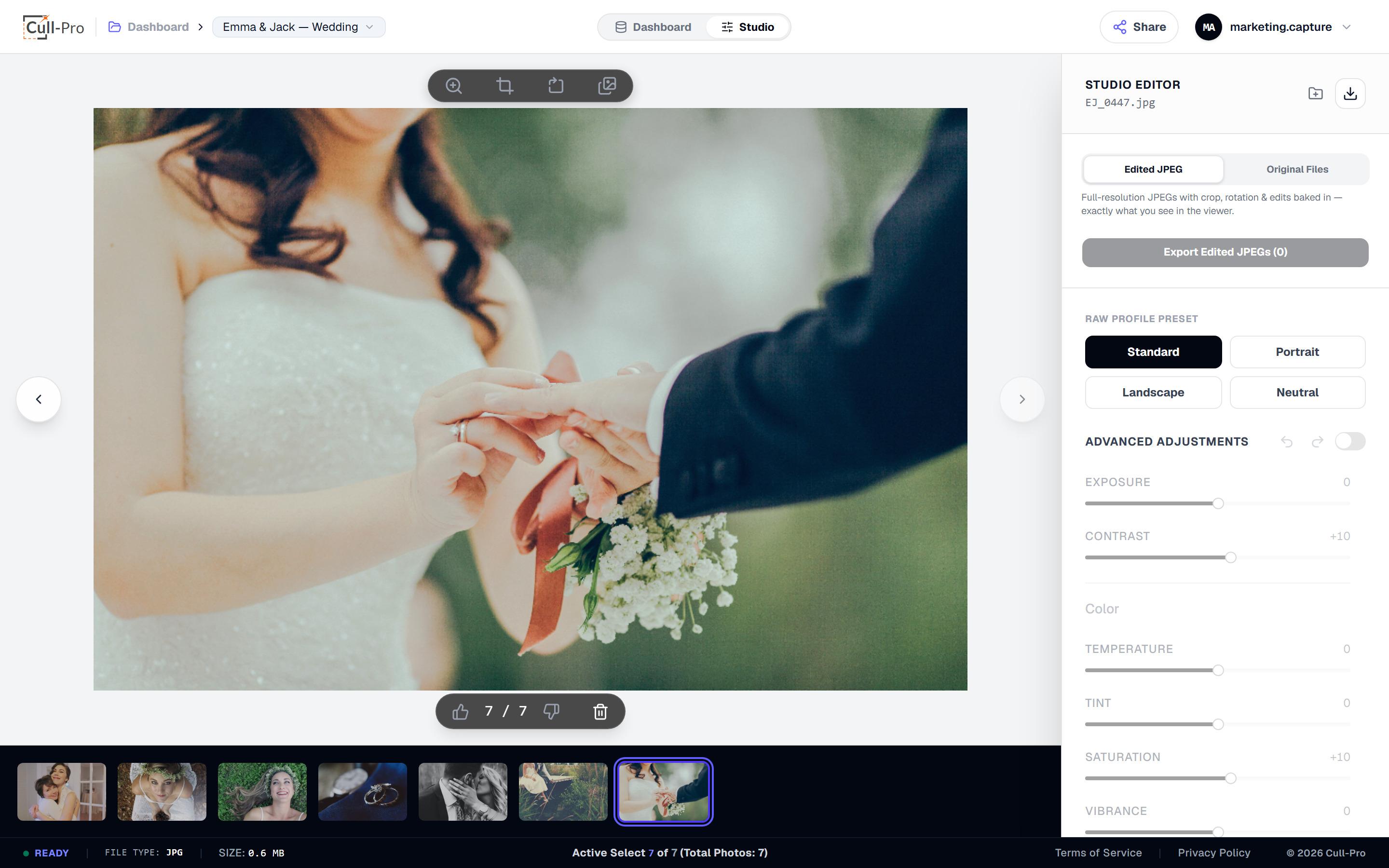
The Studio view — one keystroke per decision, and every verdict auto-saves as you go.
The problem
The Sunday-night backlog nobody warns you about
01
Three cards, three thousand files
Two shooters, several bodies and a pile of backups — by the morning after the wedding you have a mountain of files and no verdicts.
02
Preview-building purgatory
Desktop catalogs spend their first hour importing and rendering previews. You just want to see frame one and start making calls.
03
Gallery-day pressure
The couple is refreshing their inbox for a sneak peek. Delivery needs passwords, watermarks, download controls and expiry — not a second pipeline to babysit.
The workflow
From cards to couple in three moves
Cull-Pro is shaped like wedding work: huge volumes, tight deadlines, and clients waiting on the other end.
Import every card
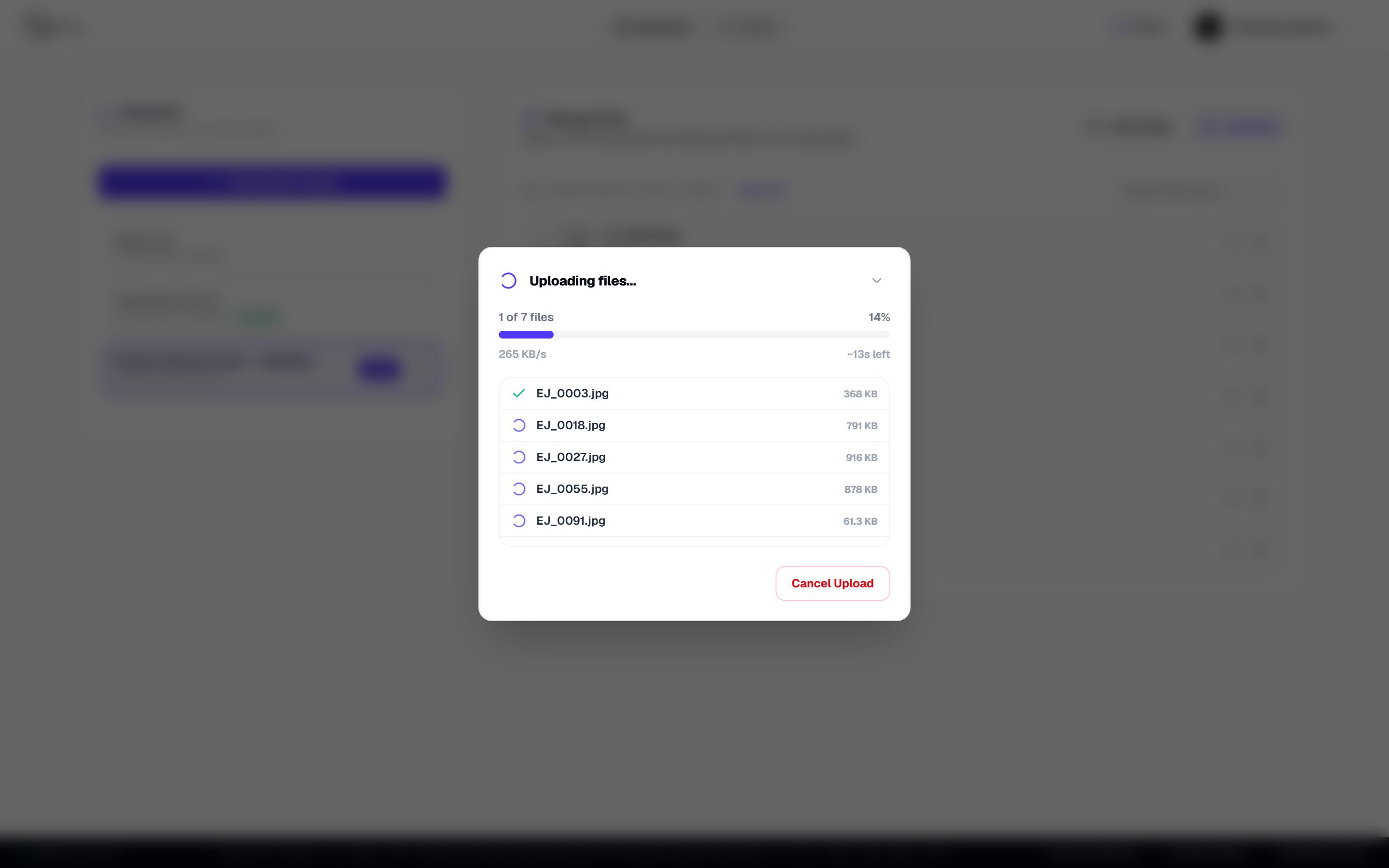
Drag in folders from both shooters. Camera RAW from Canon, Nikon, Sony, Fuji and 40+ formats uploads to your cloud storage with per-file progress you can watch or cancel — and duplicate protection keeps second cards clean.
Cull at keyboard speed
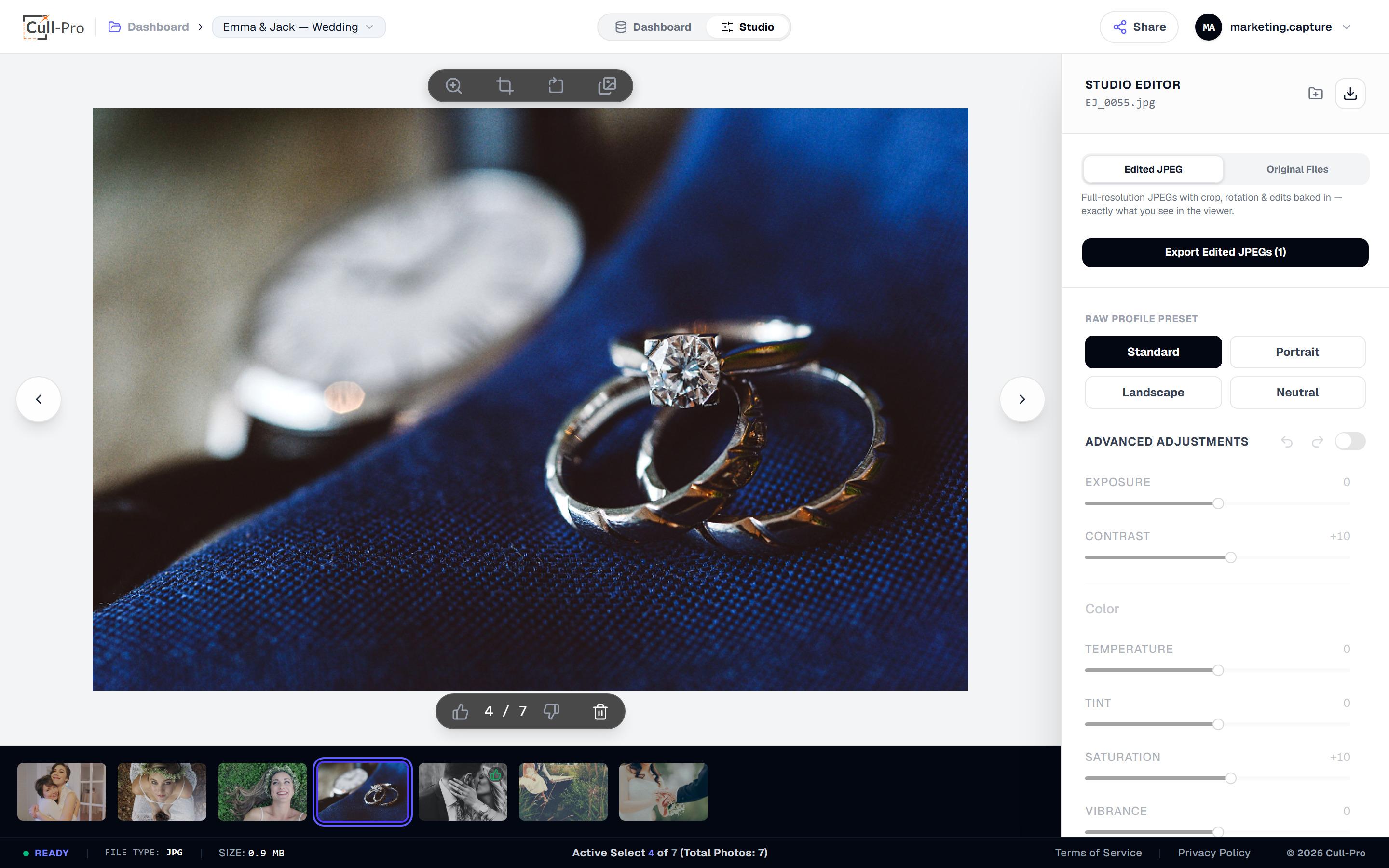
L or F keeps, K or X rejects, Delete flags, and the arrow keys fly you through the day in order. Undo is one keystroke, the filmstrip follows you, and every decision saves to the cloud instantly.
Deliver the gallery
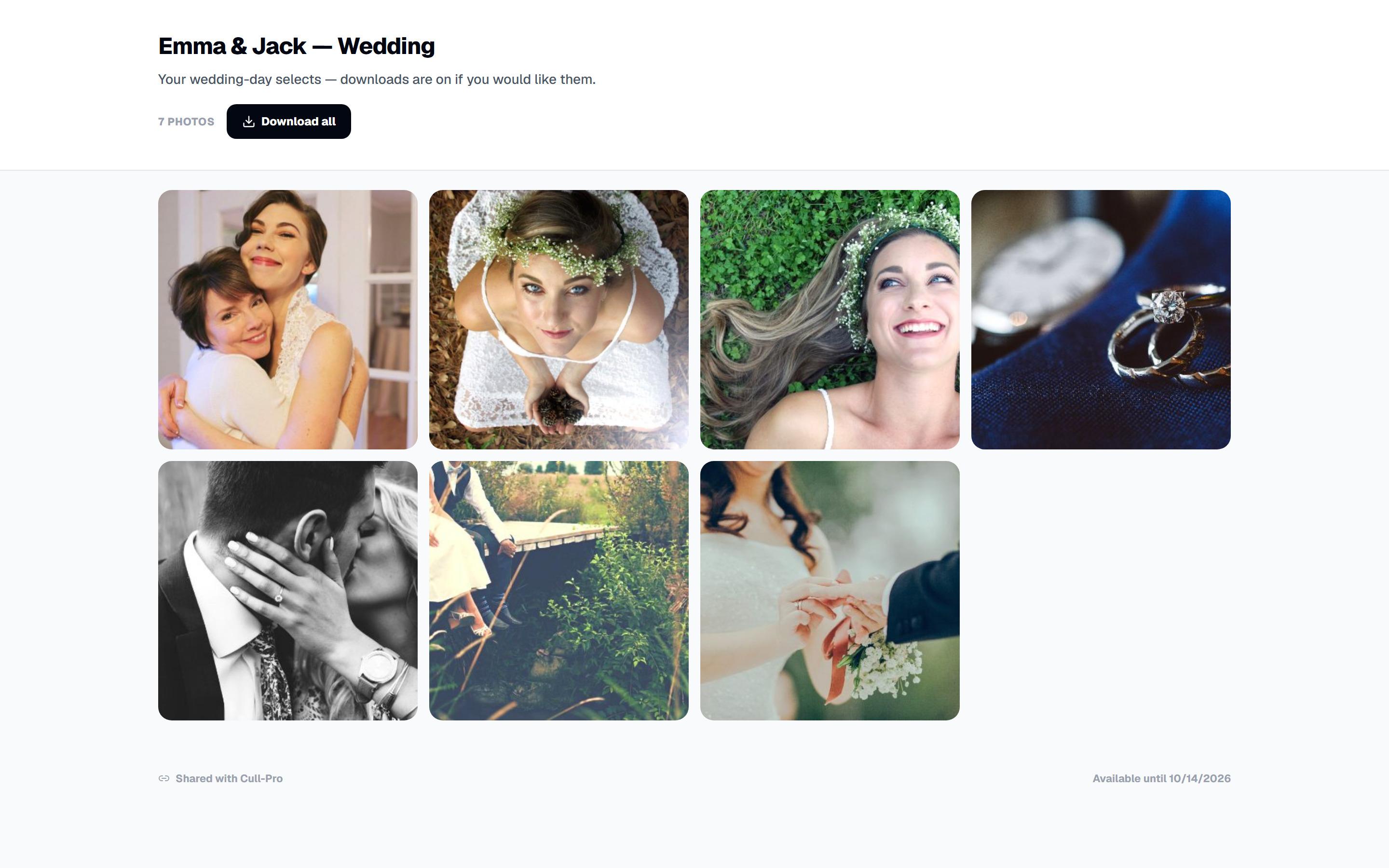
Export keepers as a ZIP of edited JPEGs — or publish the project as a private gallery link with an optional password, baked watermarks carrying your studio name, downloads on or off, and an expiry from 24 hours to never.
Why Cull-Pro
Built for the way weddings actually work
A culling-first workspace with light, non-destructive edits and delivery built in — not a full editor you'd need a workshop to learn.
RAW from any second shooter
CR2, CR3, NEF, ARW, RAF, ORF, DNG and 40+ RAW containers decode in your browser with LibRaw 0.22 (900+ camera models) — mixed-brand teams are no problem.
Binary calls, no star ratings
Keep or reject with one keystroke. There are no star ratings to deliberate over when it's one in the morning.
Light, non-destructive edits
Exposure, contrast, temperature, tint, crop and rotation — with four one-tap looks and 100-step undo per photo. Your originals are never modified.
Sneak peeks that stay controlled
Deliver a handful of highlights mid-week while the full set is still being edited, then update the gallery when the rest is ready.
A delivery link that's yours
Pause it, regenerate the URL or revoke access entirely. View counts and last-opened dates show when the couple has actually looked.
Wherever the studio is
Cloud-backed projects let you start culling at the studio desk and finish from a laptop — all you need is an internet connection.
FAQ
Wedding Photographers, answered
Ready to fly through your next cull?
Create an account, start the 7-day free trial on Starter, and get from memory card to deliverable without leaving your browser.
All prices in USD. Cancel anytime.